
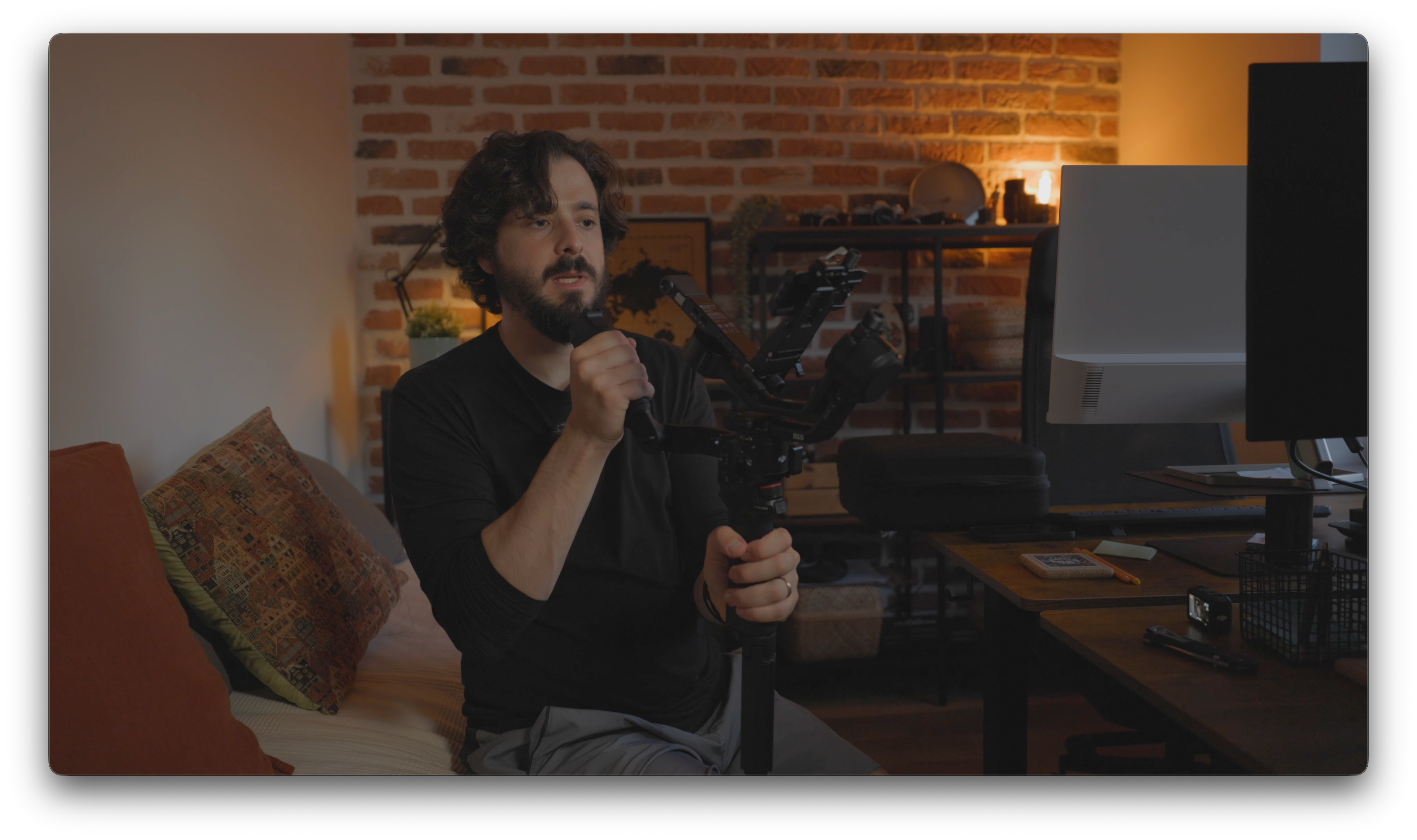
I bought the DJI RS 5 Combo with my own money for client work. No sponsorship, no gifted unit. The unboxing, the assembly, my first hands-on with the fine-tuning knobs and the briefcase handle, plus one genuinely disappointing surprise on delivery day, are all in the video below. I won't spoil them here.
What this post covers is everything the video doesn't: the research I ended up doing around this purchase. Because here's the thing I complain about in the video. DJI's Ronin app has a whole academy section full of tutorials for my old RS 3 Mini, but for the RS 5, a brand-new and not-cheap product, there's almost nothing. No tracking guides, no Bluetooth troubleshooting, no explanation of what half the new features actually do.
So I went and found the answers myself. Consider this the companion reading to the video: the context, the comparisons, and the missing manual.
Where the RS 5 actually sits in the Ronin line
I'm coming from the RS 2 and the RS 3 Mini, so I wanted to understand what two generations of iteration actually bought me before this thing arrived.
The short version: the RS 5 is DJI's mid-range single-operator gimbal, positioned between the Mini line and the Pro line. It weighs 1.46 kg with the battery grip and quick-release plates and carries payloads up to 3 kg. That payload comfortably covers mainstream full-frame mirrorless setups. My Canon R6 Mark II with the RF 24-70mm f/2.8 sits well within it. If you're running cinema cameras or heavily rigged setups, this isn't your gimbal; that's what the Pro models are for.
What changed generation over generation, in the ways that matter for someone upgrading from older Ronins:
| Feature | What's new in the RS 5 |
|---|---|
| Stabilization | 5th-gen algorithm, 50% higher peak motor torque than the RS 4 |
| Balancing | Fine-tuning knobs with Teflon interlayers on every axis arm |
| Axis locks | 2nd-gen automated locks; power on and it unfolds ready in about 2 seconds |
| Charging | Full charge in 1 hour with a 65W PD charger (was 2.5 hours on the RS 4) |
| Runtime | ~14 hours standard, up to 30 hours with the optional BG70 grip |
| Vertical shooting | Native. Reposition the plate, no rebalancing, no extra accessories |
| Z-Axis Indicator | On-screen feedback on your vertical bounce while walking |
| Bluetooth shutter | Now also supports Panasonic and Fujifilm, alongside Canon, Sony, Nikon |
Coming from the RS 2 era, the balancing knobs and the automated locks are the two changes you feel immediately. You'll see my reaction to the knobs in the video, and it's not exaggerated. Manually nudging a camera into balance was my single biggest frustration with older gimbals, and a leadscrew knob that moves the camera millimetrically solves it completely.
Standard vs Combo: the combo identity changed, and it matters
Here's something I didn't fully appreciate until I compared kits: DJI changed what "Combo" means with this generation.
The RS 4 Combo bundled a focus motor, an accessory aimed at manual focus control. The RS 5 Combo drops that and instead bundles the RS Enhanced Intelligent Tracking Module and the Electronic Briefcase Handle, plus a carrying case. In other words, the Combo is now explicitly a tracking-oriented kit rather than a focus-oriented one.
That distinction should drive your buying decision:
- Get the standard RS 5 if you mainly want better stabilization and faster setup. You still get the gimbal, BG33 battery grip, quick-release plates, lens-fastening support, and the quick-open tripod.
- Get the Combo if subject tracking is the point. For solo operators doing client work with lots of movement (that's me), it absolutely is. The tracking module is the reason I bought this gimbal at all.
Price-wise, the Combo runs roughly $550–720 depending on region and retailer, with the standard kit sitting around $440–570. Worth noting for US buyers: DJI isn't selling it through its own official US channels at launch, but retailers are stocking it.
The missing manual: how the tracking module actually works
This is the section DJI should have made a tutorial video about. Since they haven't yet, here's what I pieced together from their support documentation. It's the stuff I couldn't find anywhere in the app.
What makes it "Enhanced." The RS 4 Mini introduced the original Intelligent Tracking Module, which only tracked people. The Enhanced version on the RS 5 tracks people, vehicles, pets, and essentially any subject you frame. It also does two things the old module couldn't: it displays the tracking view directly on the RS 5's touchscreen, and it lets you select a subject by framing it on that screen. That's why the module has become a touchscreen-first feature rather than a gesture-only one.
Range and reacquisition. Tracking works from 0.5 to 10 meters and needs reasonable light (above 20 lux, so not for dark venues). If your subject temporarily leaves the frame, the system reacquires them when they return.
Three ways to control composition while tracking. This answered a question I had on day one: tracking doesn't force your subject into dead center. You can set it to keep your current framing or center the subject (swipe right on the home screen → ActiveTrack Settings → Composition), adjust framing live with the joystick, or, and this is the fun one, the person being filmed can show a "Double L" hand gesture to unlock composition adjustment, move to a new position, and gesture again to lock it in. For solo shooters directing themselves, that's a genuinely clever workflow.
If tracking feels off-center: calibrate. There's a Camera View Calibration option in the ActiveTrack settings that aligns the module's view with your camera's actual framing using the joystick. If your subject keeps sitting slightly off from where the gimbal thinks they are, this is the fix.
The low-angle trick. For low shots, an axis arm can physically block the tracking module's view. DJI's answer: power off, invert the gimbal, power back on, and the roll motor repositions behind the lens. Combined with the briefcase handle (which you'll see me test in the video), that makes tracked low-angle shots actually workable.
None of this is in the app's academy right now. All of it should be.
For Canon shooters: what cable gets you vs what Bluetooth gets you
If you shoot the R6 Mark II like me, the Ronin app's compatibility checker tells you what's possible, but it's worth spelling out the practical difference, because the two connection methods are not equivalent:
- Bluetooth gives you shutter, start/stop recording, and autofocus trigger. DJI says previously paired cameras auto-reconnect, so after the first pairing you'd never need a cable for basic triggering.
- USB-C cable unlocks the full set: everything above plus aperture, shutter speed, and ISO control from the gimbal itself.
My take after the first session: the cable connection is the one that matters. It worked flawlessly for me, and since it's the only way to get exposure control from the gimbal, it's what I'll run on client shoots regardless. Bluetooth threw error messages at me on the first attempt (that saga is in the video), and with zero troubleshooting content in DJI's app, I'm still working through it. If you've paired an R6 Mark II successfully, I want to hear from you.
Three things I wish I'd known before delivery day
- Charge the battery grip the moment it arrives. I'll let the video tell you why. Just trust me: don't plan your first shoot for delivery day.
- Register the gimbal in the Ronin app before anything else. Same process as the Osmo Nano. The device needs activation before it's fully usable, so do it while the battery charges.
- The Balance Wizard in the app is genuinely good. It walks you through balancing step by step, and combined with the new knobs it makes first-time setup far less intimidating than my RS 2 ever was. It's the one area where DJI's in-app guidance actually delivers.
Where the RS 5 fits in my existing kit
If you've been following the channel, you know this gimbal isn't arriving in a vacuum. The briefcase handle has a cold shoe mount on top, and that's exactly where my Hollyland Pyro 5 field monitor is going to live. A gimbal move where you can't check focus is a gamble, so pairing the two should solve the one thing that makes handheld gimbal work stressful on client shoots. Keep in mind the R6 Mark II's micro HDMI situation I covered in that post; you'll want the right cable with enough slack for the gimbal's full range of motion.
And for the moments where even a balanced gimbal is too much setup, the DJI Osmo Nano stays in the bag as the grab-and-go second angle. Between the three, the kit now covers stabilized A-cam work, reliable monitoring, and POV coverage. How they actually work together on a real shoot is something I'll cover once the RS 5 has been through a few client jobs.
The bottom line
The video shows you what the RS 5 Combo is like to unbox and handle. This post is the homework around it, and the honest conclusion from that homework is: this is a genuinely well-designed gimbal wrapped in a poorly documented launch. The hardware upgrades are real and immediately noticeable — the software ecosystem hasn't caught up to its own product yet.
Next step for me is learning the tracking system properly and taking it into actual client work. That's getting its own dedicated video, so subscribe if you want to see whether the feature I bought this gimbal for lives up to the promise.
Share:
5 Reasons I Keep Reaching for the DJI Osmo Nano (And I've Taken It Across Three Countries to Prove It)
Canon R6 Mark II vs DJI Osmo Nano: The Comparison That Makes No Sense (Until You Add One Missing Spec)